The shutter won't fire
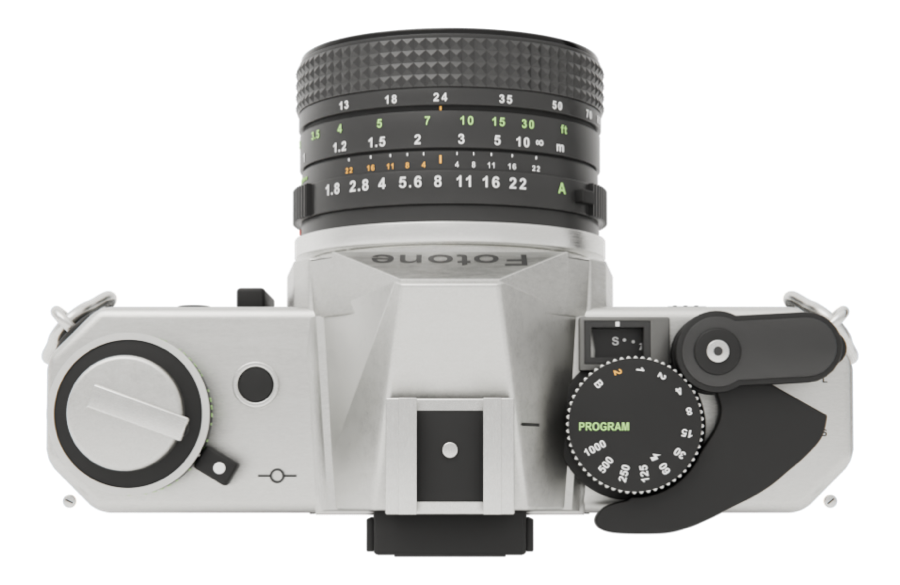
Pull the wind lever until it stops. After frame 24, rewind and load a new roll.
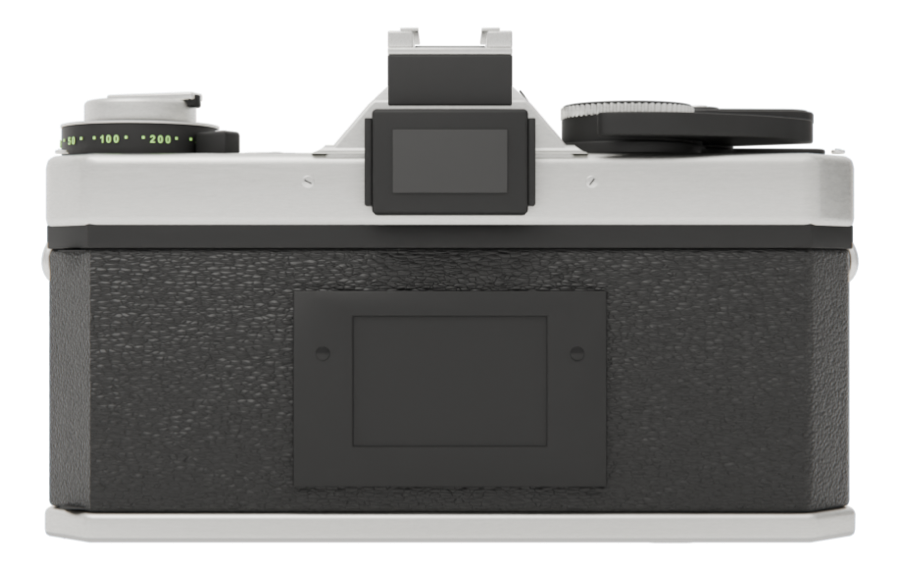
The viewfinder won't open
If the eyepiece cap is on, take it off. Turn the camera so its back faces you, then tap the eyepiece.
The back won't open
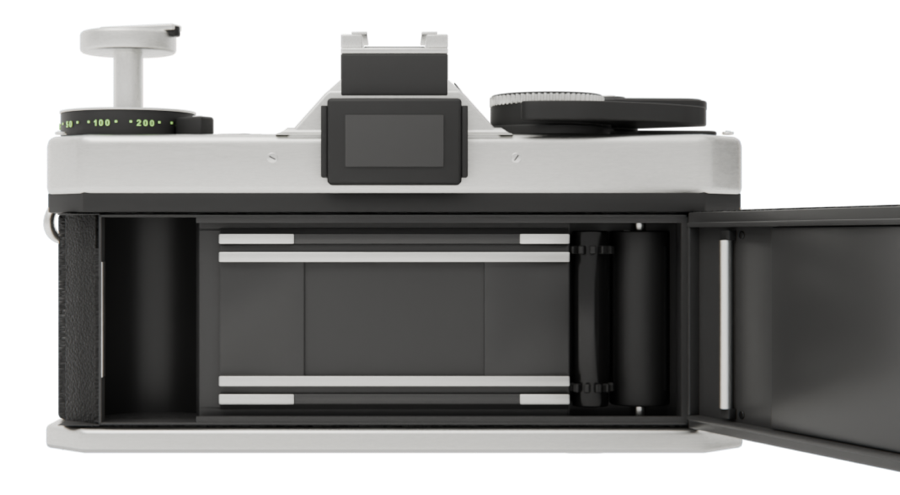
While film is loaded, the back stays shut until you rewind (this protects your photos). Press the rewind button on the bottom and turn the crank.
I can't see the photos I took
Photos stay unseen until the roll is developed. To check each shot as you go, turn on Review Photos under Fotone in the Settings app.
Photos don't appear in the Photos app, or there is no album per roll
In the Settings app, open Fotone, then Photos, and choose Full Access. Your photos are also kept inside the app, and are sent to the Photos app the next time you open it after allowing access.
The background doesn't blur
Set the aperture ring to a number instead of A. Background blur is not available on iPhones without an Ultra Wide camera, with Silent Shooting on, or with the zoom ring below 24 mm.
The flash doesn't fire
Put the flash on the camera, switch its power to ON, and wait for the lamp to glow orange before you shoot. The flash never fires while Silent Shooting is on (turn it off under Fotone in the Settings app). In AUTO it fires only in low light.
I deleted a photo by mistake
Within 30 days, you can restore it from Recently Deleted in the Album.
Where are the settings?
In the Settings app, under Fotone (Review Photos, Silent Shooting, Auto Wind, language and others). Exposure and color are changed by moving the camera's own parts.
 123